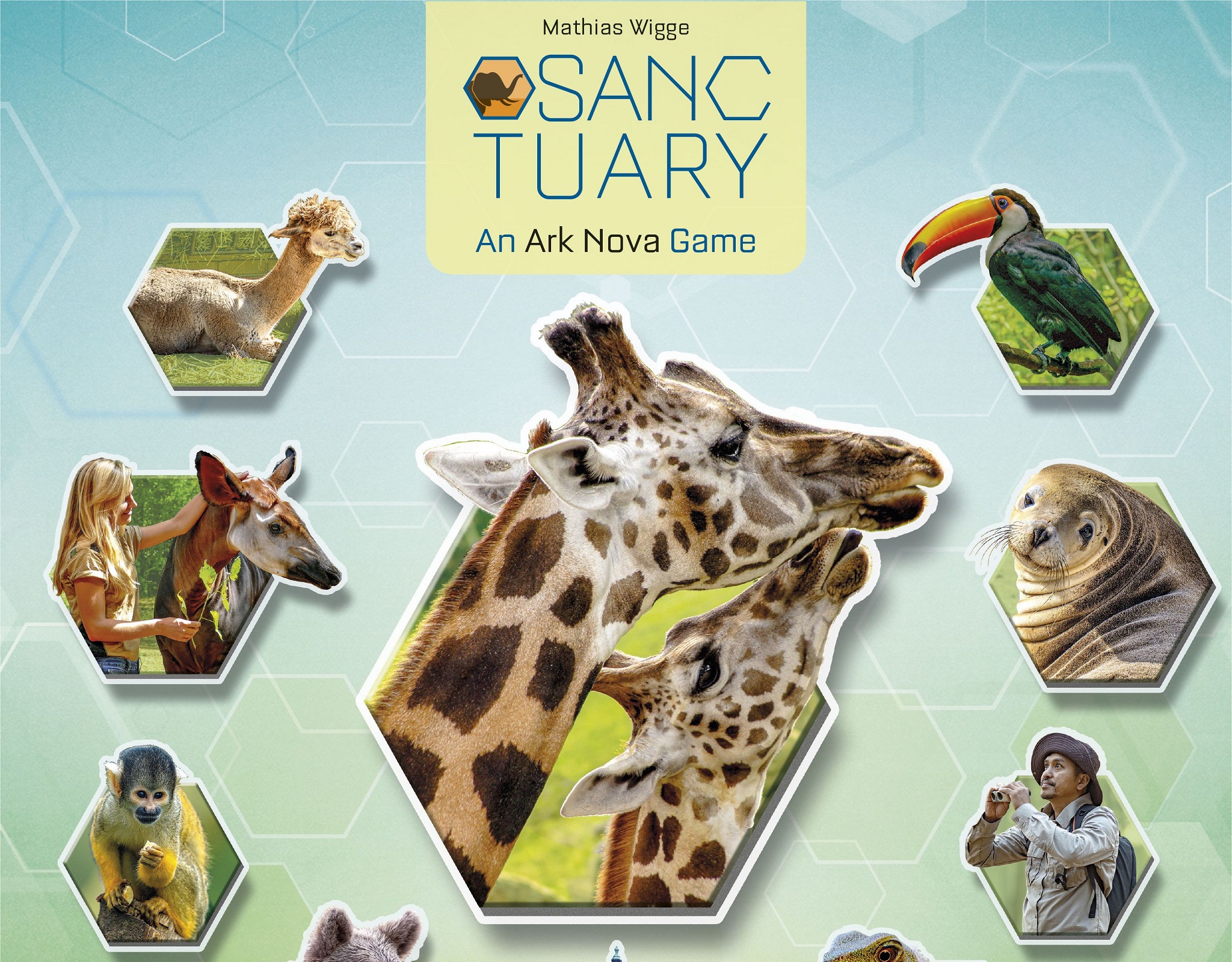
Ark Nova is a fantastic board game, but its long playtime and complex rules can be intimidating for beginners. Sanctuary is a new game that takes the core ideas of Ark Nova and turns them into a quicker, easier-to-learn experience. I had the chance to try out Sanctuary at Gen Con, thanks to Capstone Games. Does it keep the same spirit and fun mechanics as the original? Let’s take a look.
Switching from Cards to Tiles
Instead of using cards like in Ark Nova, Sanctuary uses a tile placement system. You will be placing different tiles to build your zoo. This change makes the game feel different but keeps the strategic planning intact.
The best part of Ark Nova is figuring out the order of your actions to make them as powerful as possible. Sanctuary uses a similar system. It controls which tiles you can pick on your turn and how strong your action will be.
How to Take a Turn
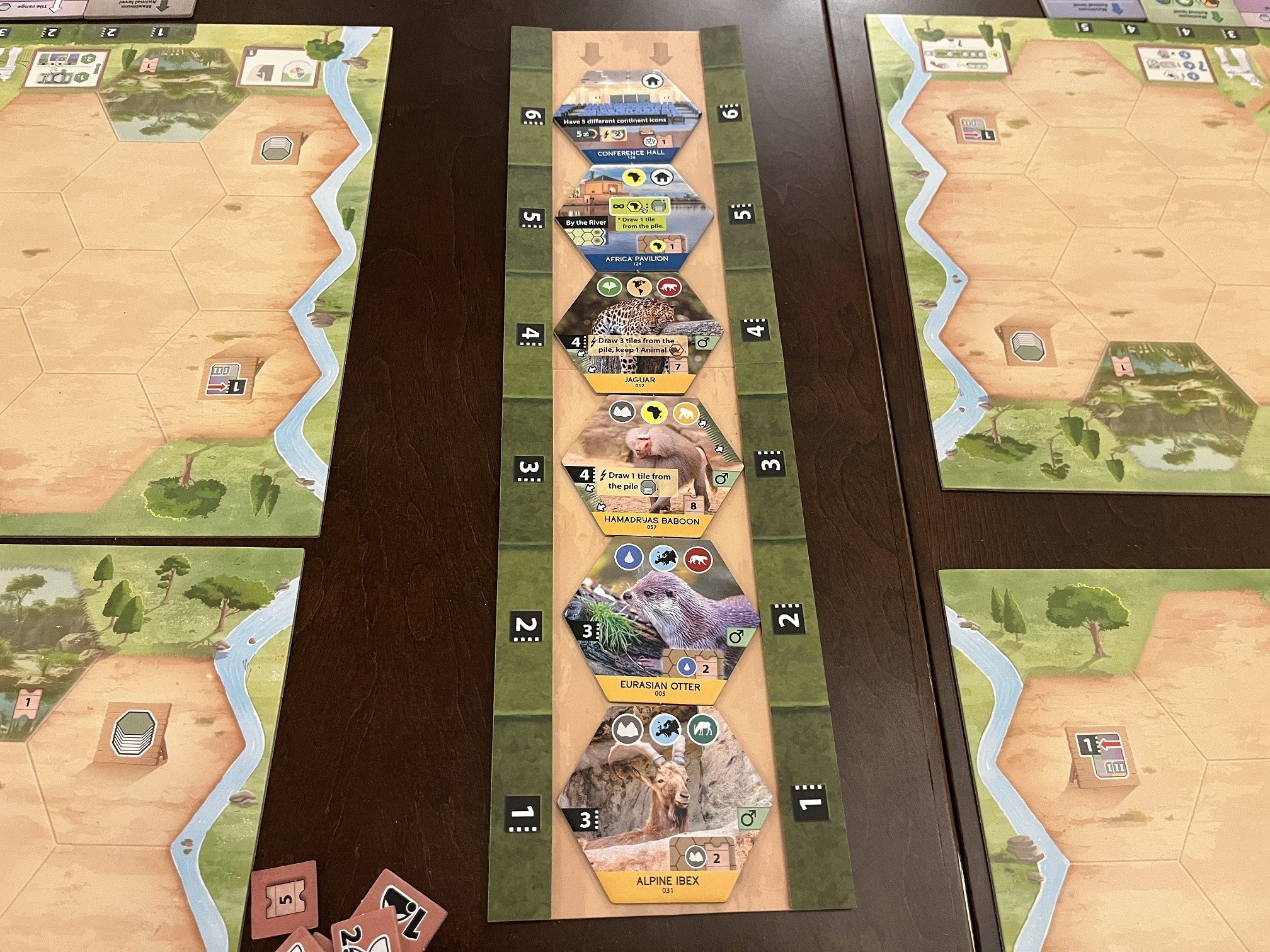
Every turn starts by picking a tile from the display. For example, if your white tile range arrow points to 4, you can choose from the first four tiles available. After picking a tile, you must choose an action to perform. Only the tile matching the action you just took gets moved to the far left spot in the display.
Types of Tiles and Scoring
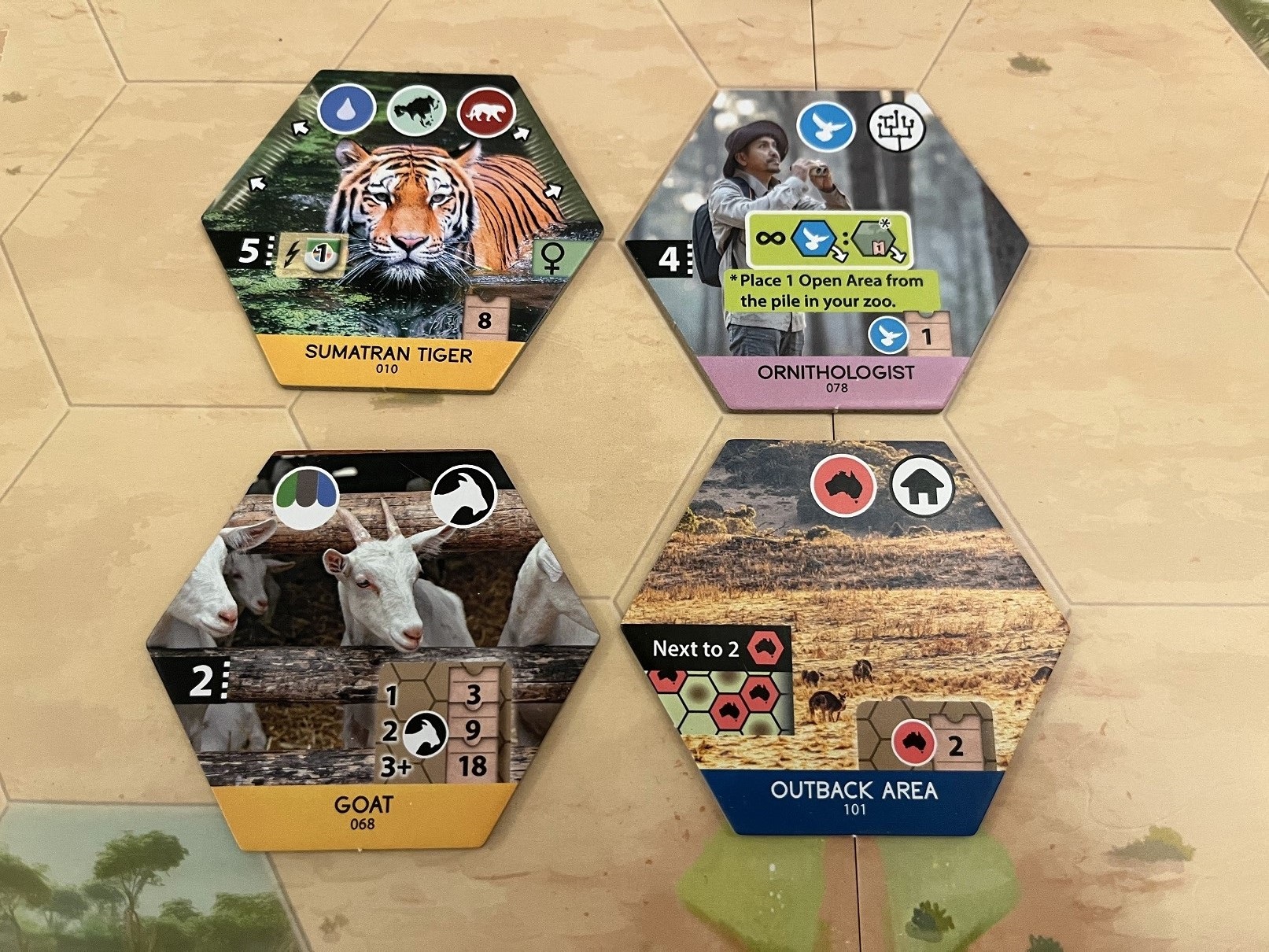
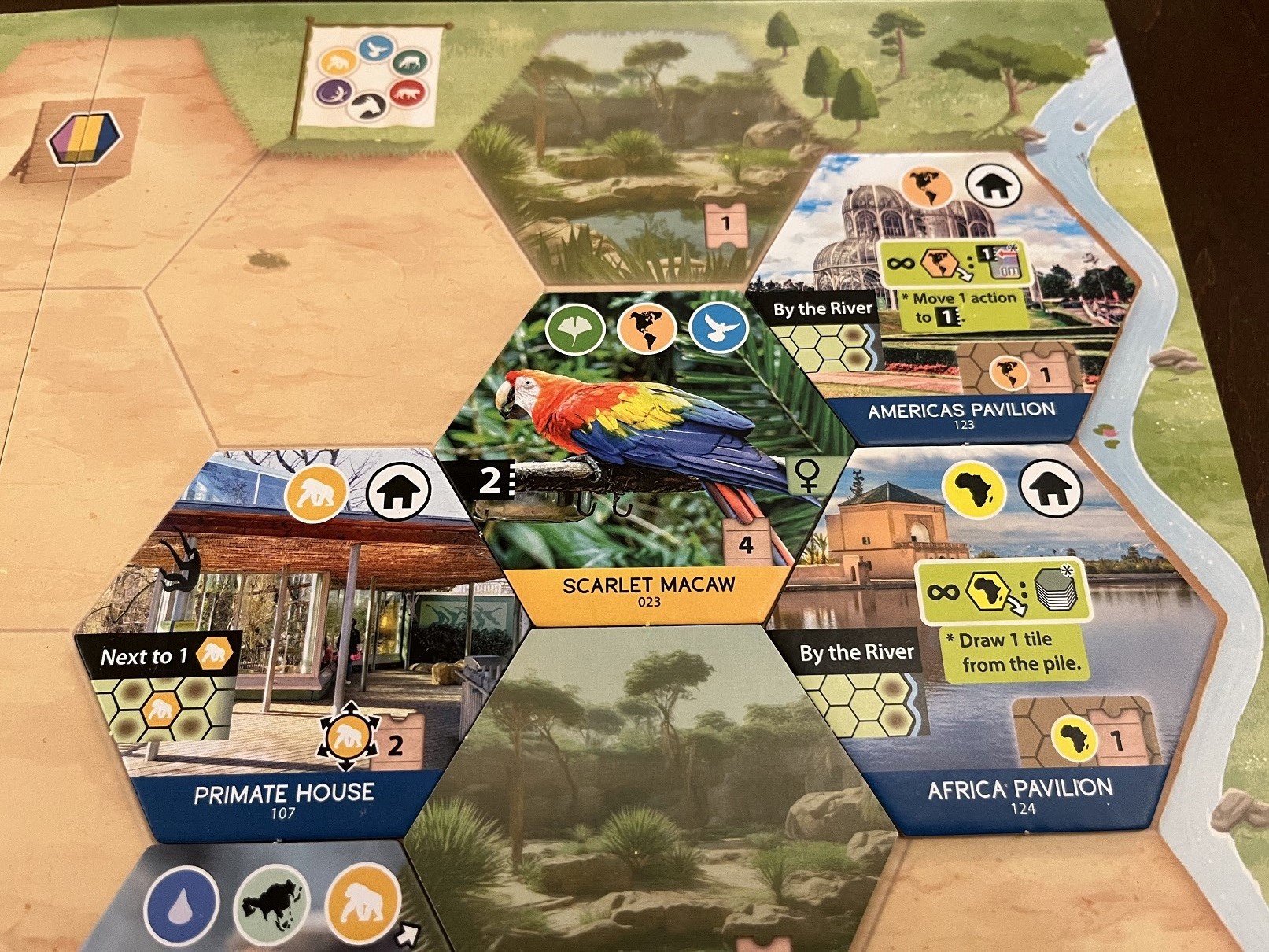
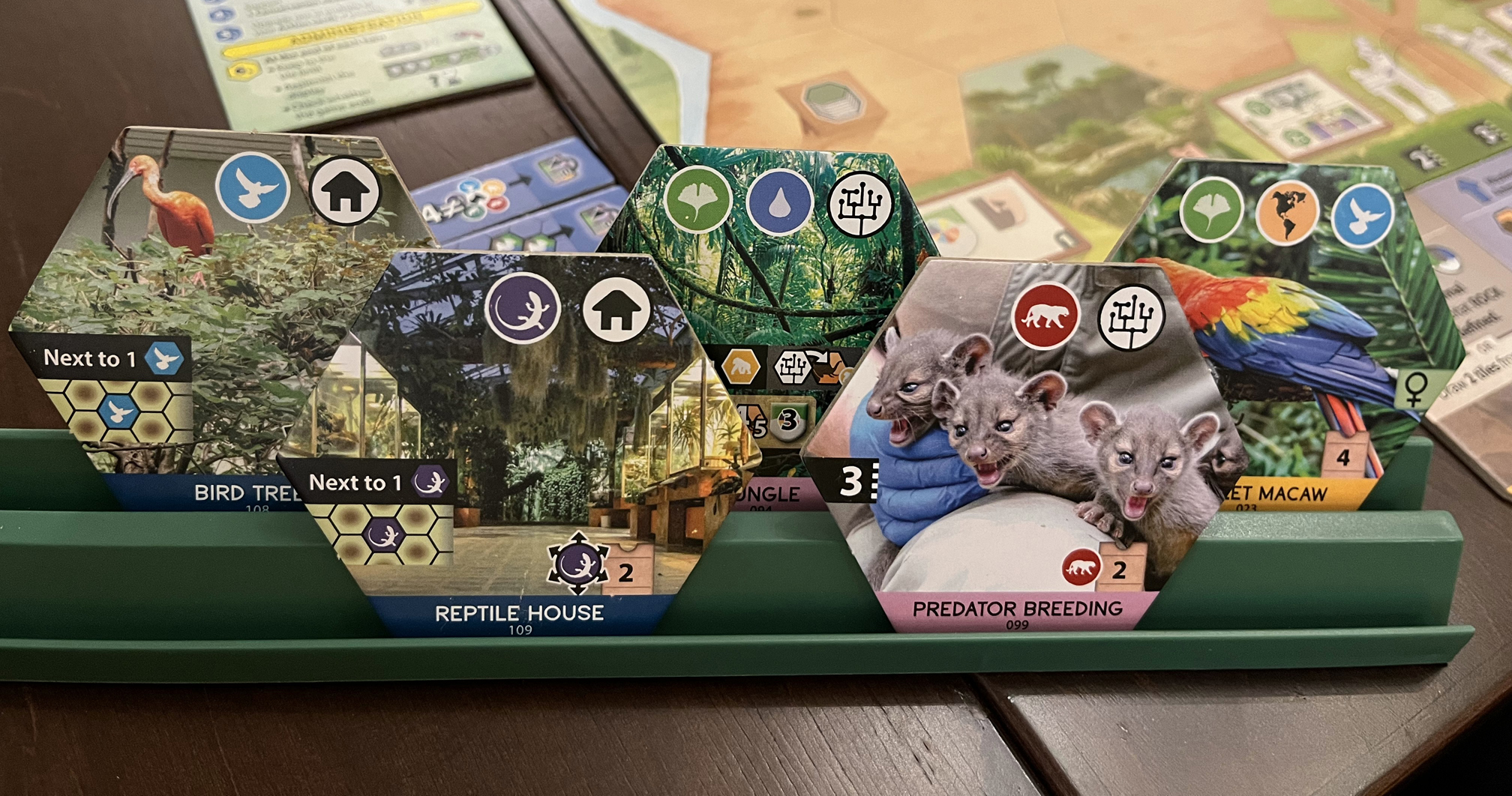
There are three main types of tiles: animal tiles, project tiles, and building tiles. Some tiles give you a set number of points, while others score in different ways depending on your zoo layout. For instance, the Ornithologist project tile scores 1 point for every bird tile you have anywhere in your zoo.
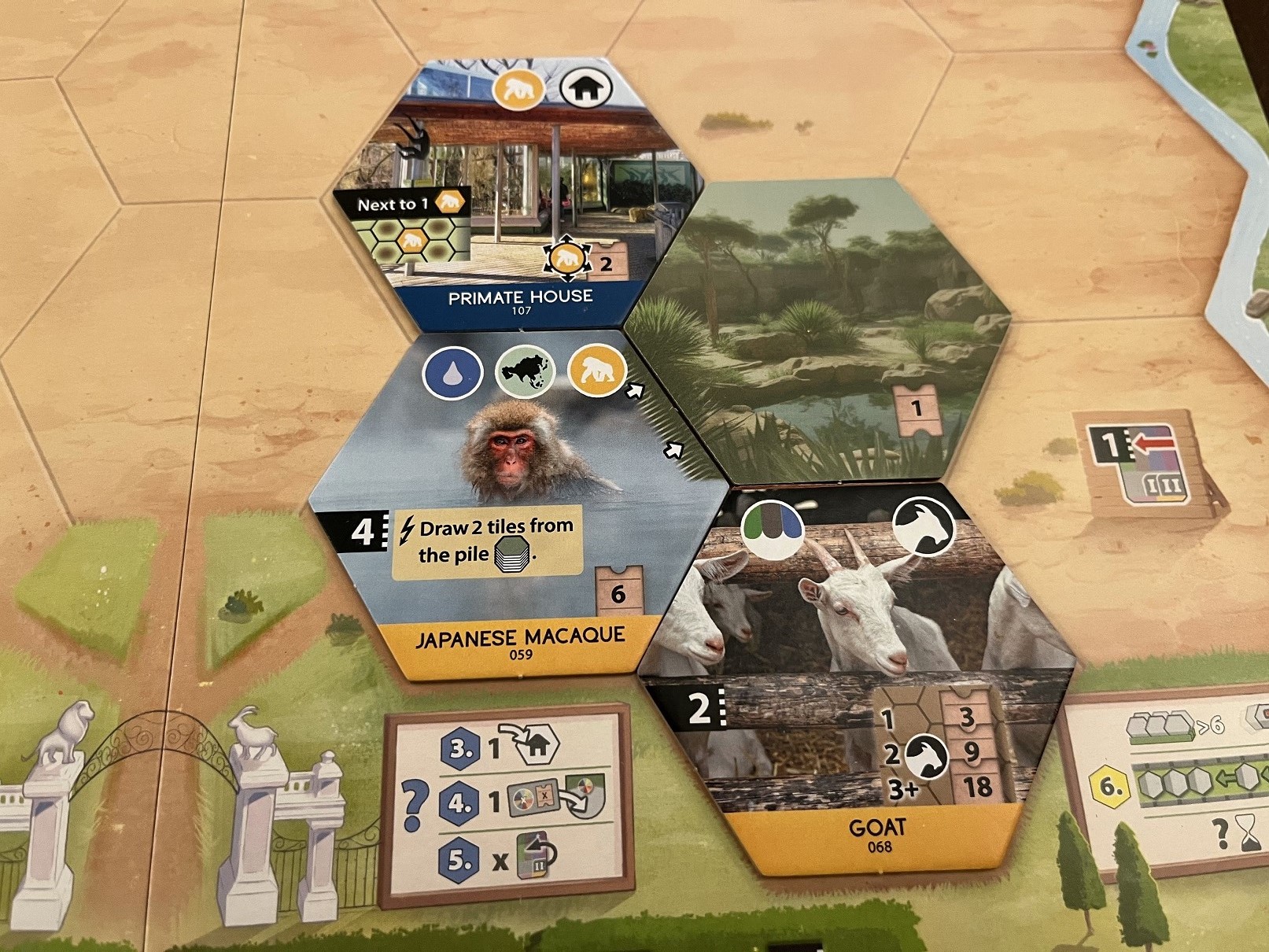
Tiles with a hex pattern behind the scoring rules need you to have specific icons connected in a network. The Outback Area building tile scores 2 points for every Australia icon connected to it, even if they are linked through other tiles with that same icon. On the other hand, the Primate House only scores points for primate icons on tiles directly touching it.
Building Your Zoo
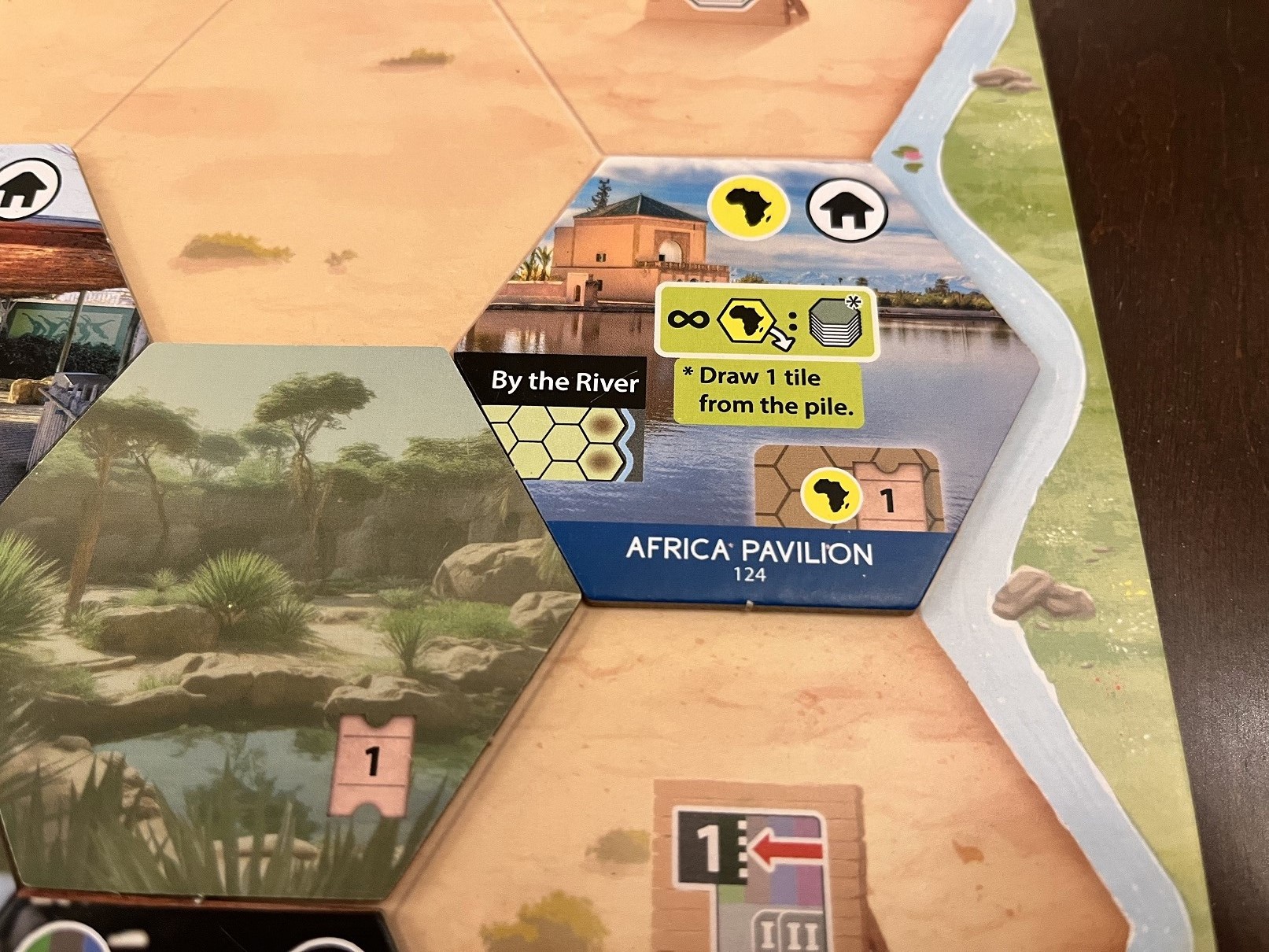
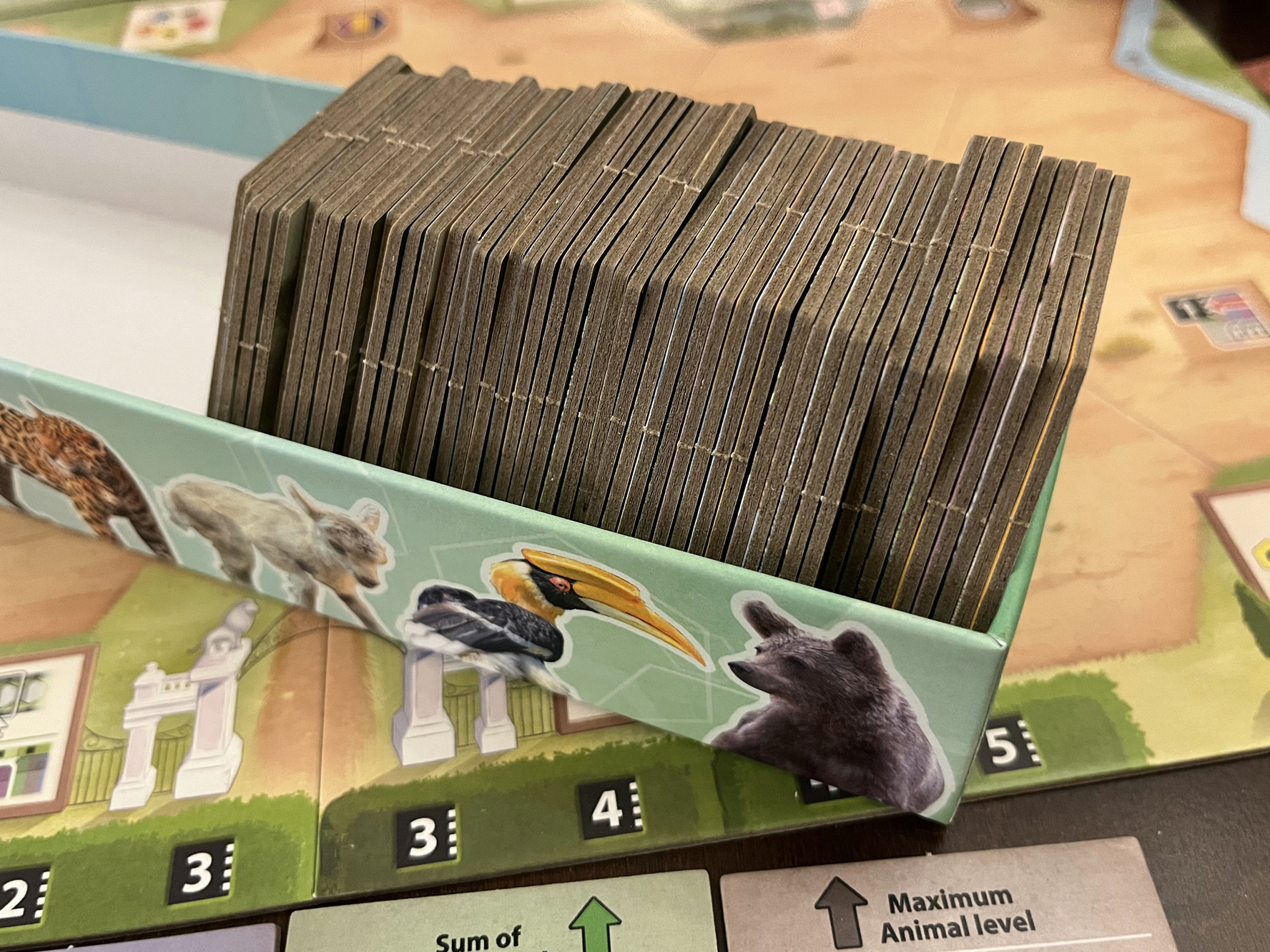
You must place tiles so they connect to the zoo entrance or to tiles that are already on the board. The action tile you choose tells you which habitat and animal level you can play. Some tiles have extra rules, like needing to be next to a river or next to open spaces marked on the tile edges. You can use open areas already printed on the board, or you can play a tile from your hand face-down to create a new open area.
Actions After Your Main Move
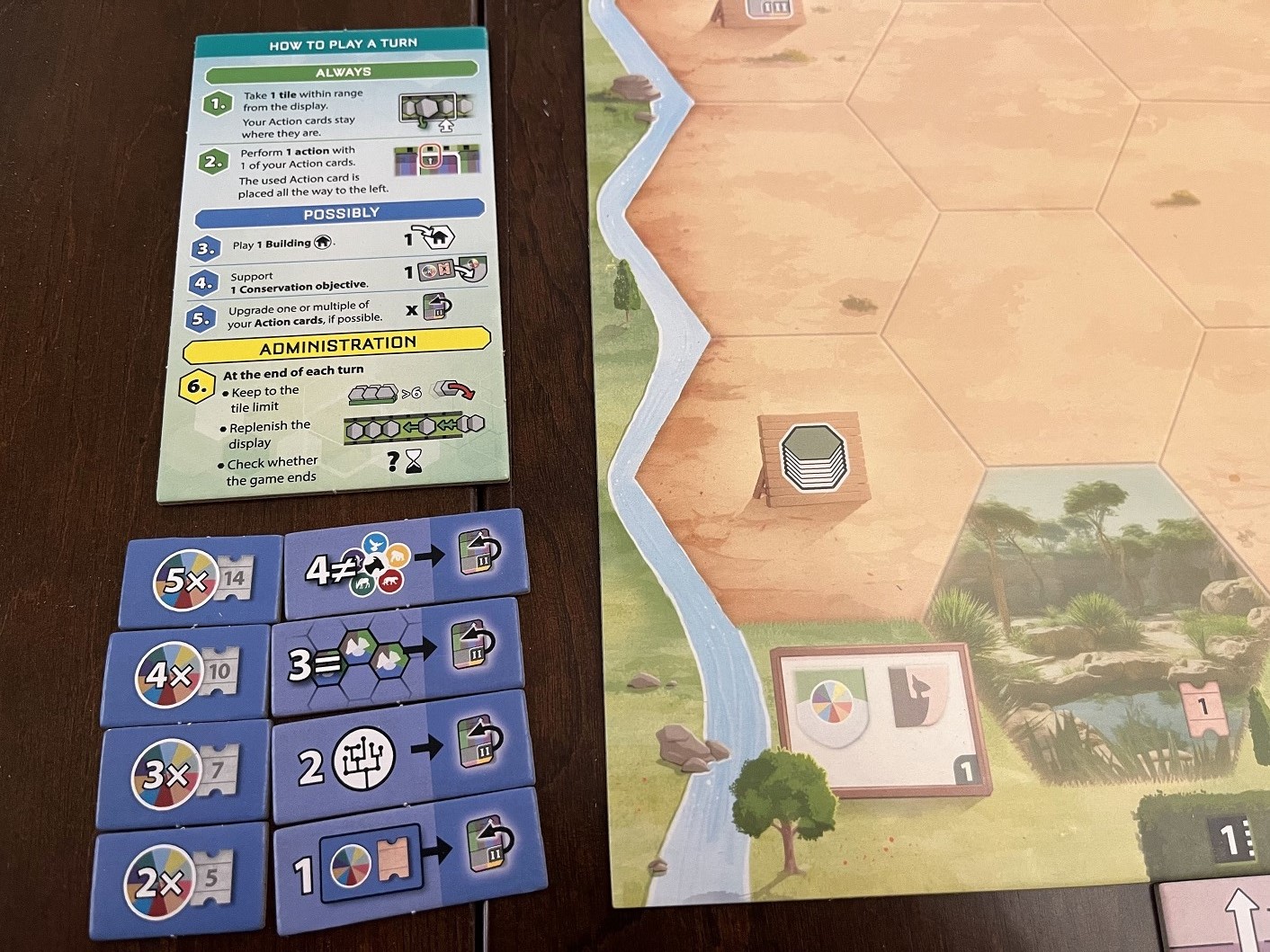
Once you finish your main action, you have the option to do a few more things. You can play a building tile, work on a conservation objective, or upgrade one of your action tiles.
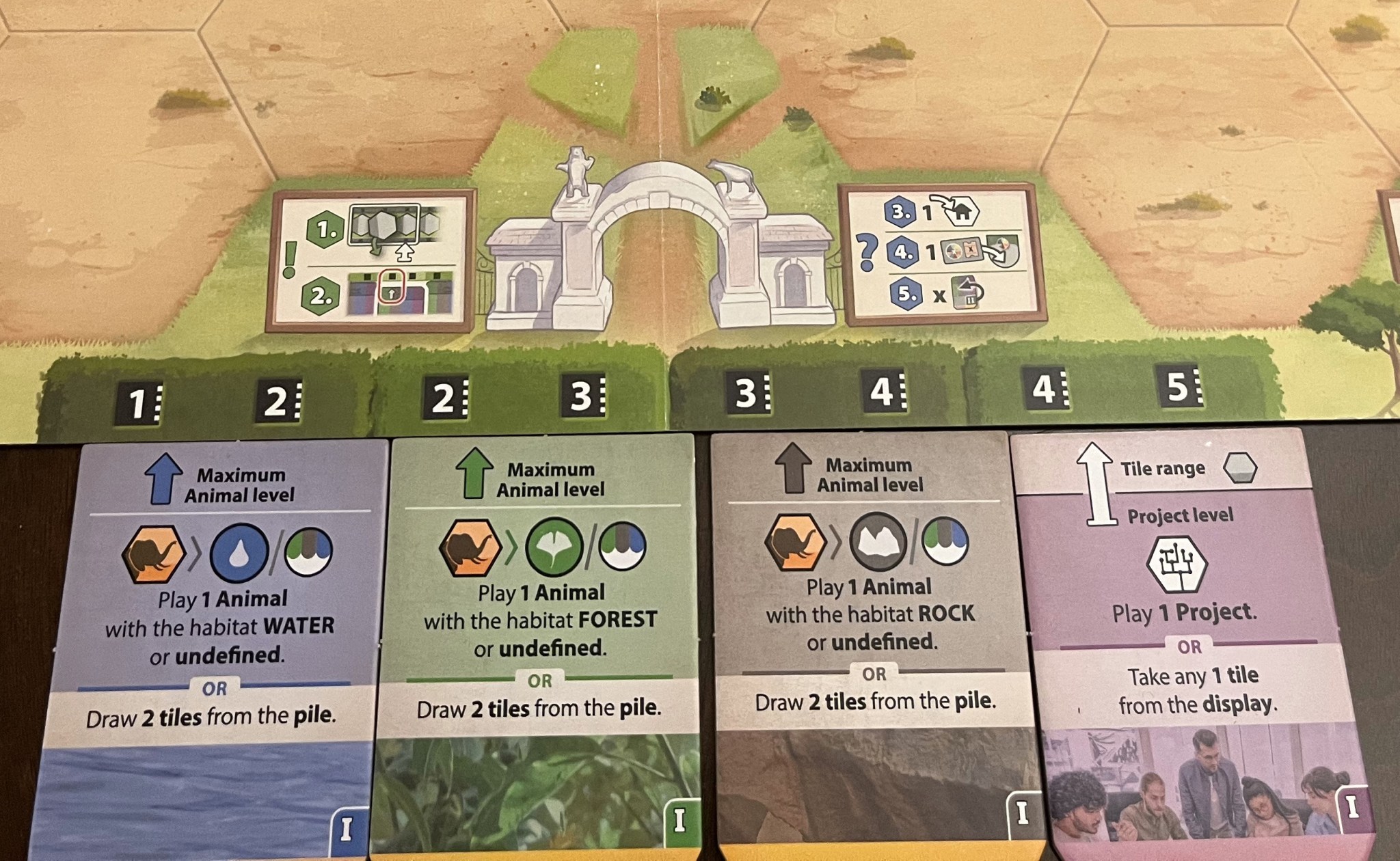
Buildings are very important in Sanctuary. No matter which action you choose, you can always play a building tile during your turn. Besides their special effects, buildings give you the habitat and animal class icons you need to complete conservation objectives and meet upgrade requirements.
Completing Conservation Objectives
At the start of the game, five conservation objectives are selected randomly. To complete them, you need to build a zoo that meets their requirements. For example, if you have three Asia icons in your zoo, you can support a specific conservation goal. Placing your 3x token under that objective would then earn you 7 points.
Upgrading Your Actions
Once you have a conservation marker on the board, you meet one of the conditions needed to upgrade a tile. You can then choose a tile to upgrade, which improves its abilities for the rest of the game. This allows you to make your actions stronger as your zoo grows.
Sanctuary successfully takes the complex engine-building of Ark Nova and condenses it into a faster, tile-laying game. It offers a familiar strategic challenge in a package that is much easier to get to the table.